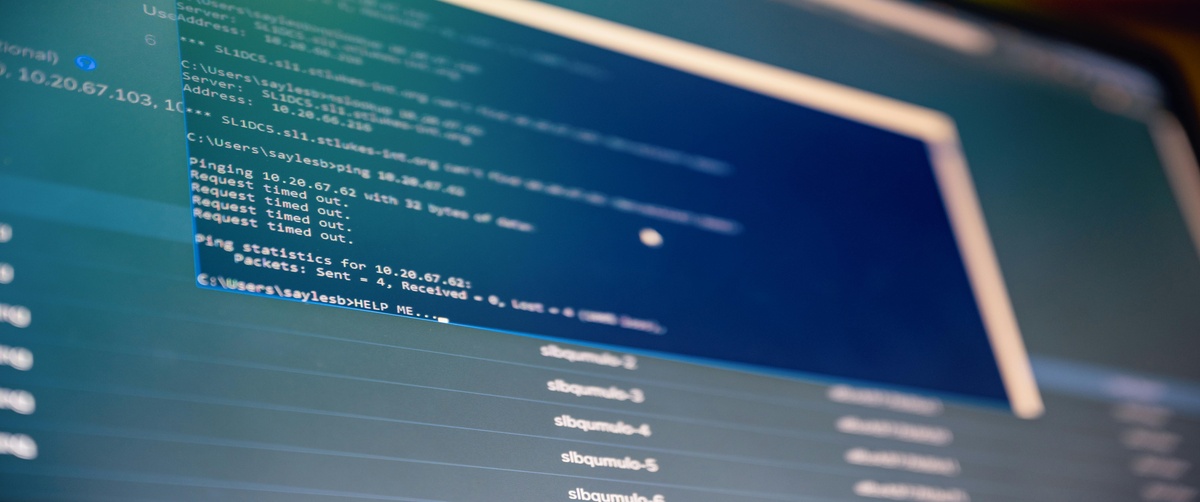
Non-booting operating systems might block access to vital files and apps. Boot errors come from hardware problems, software corruption, or wrong settings. This book will enable you to quickly identify and resolve boot problems.
Common Causes of Boot Failure

- Corrupt System Files: Damaged files may prevent the OS from loading.
- Bootloader Issues: A damaged bootloader can stop the system from finding the OS.
- Incorrect BIOS Settings: Misconfigured settings can cause boot failure.
- Hardware Malfunction: Faulty RAM, hard drive, or motherboard issues.
How to Fix a Non-Booting Operating System

Check External Devices
- Remove all external devices (USB drives, external hard drives, peripherals).
- Restart the system to see if it boots correctly.
Access Safe Mode
- Restart and press F8 (Windows) or Shift Restart.
- Select Safe Mode to troubleshoot software conflicts.
Repair the Bootloader
- Open the Windows Recovery Environment.
Run the command:
bootrec /fixmbr
bootrec /fixboot
bootrec /rebuildbcd
Reset BIOS Settings
- Restart and enter BIOS (F2, Del, or Esc).
- Select Load Default Settings and restart.
Run System File Checker
- Boot into recovery mode.
Open Command Prompt and enter:
sfc /scannow
Perform a Startup Repair
- Insert a bootable USB with the OS.
- Select Repair Your Computer → Startup Repair.
Reinstall the Operating System
If all else fails, reinstall the OS, ensuring data backup beforehand.
Fixing a non-booting operating system requires checking hardware, repairing the bootloader, and ensuring correct BIOS settings. If you need expert assistance, TechNow provides the suitable IT Support Services in Germany for all software issues related in Germany.